Your charts. Together.
A chart reader for iPad and iPhone, built for the way bands play.
Coming soon to the App Store.
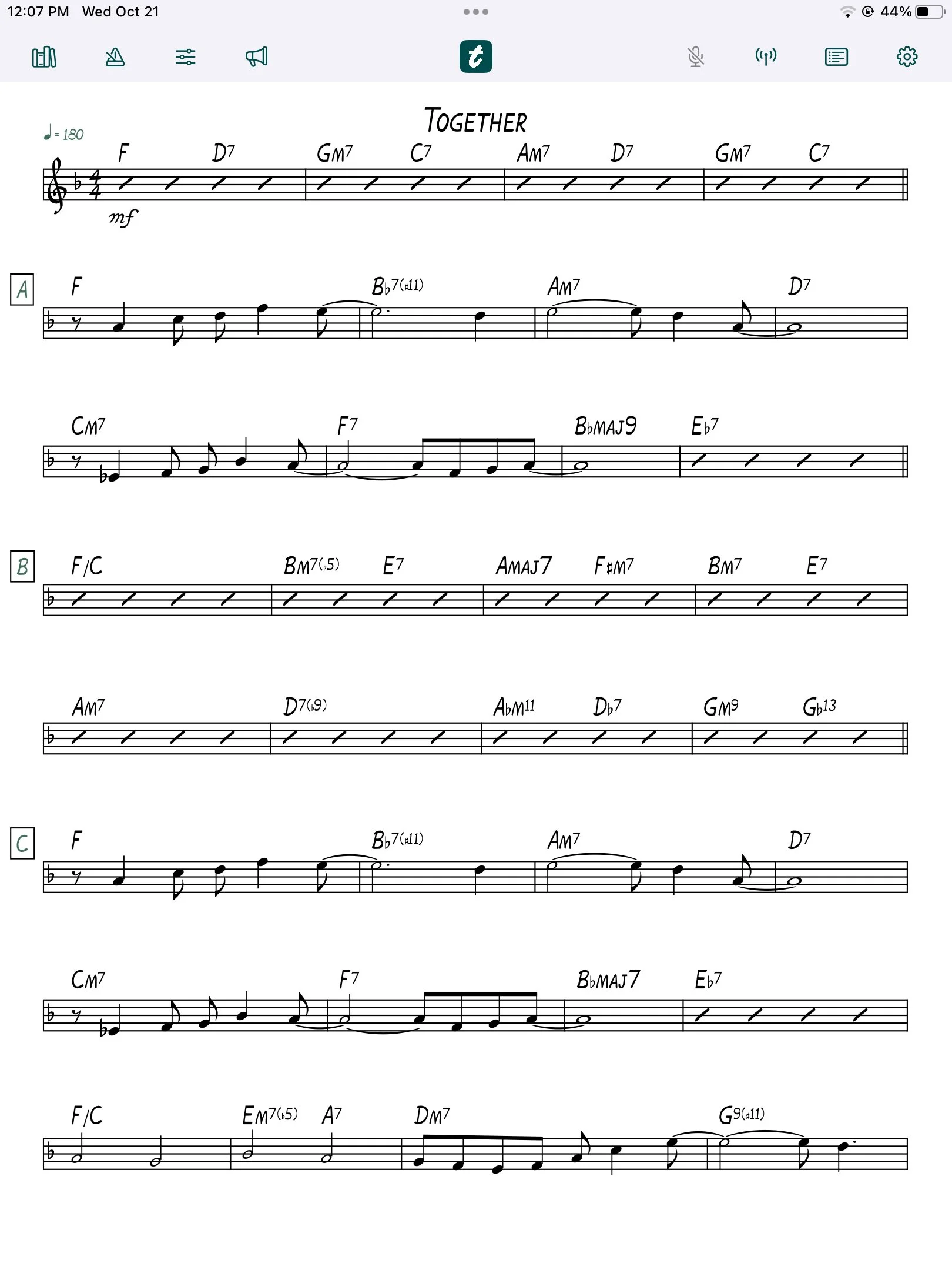
Built for the gig
-
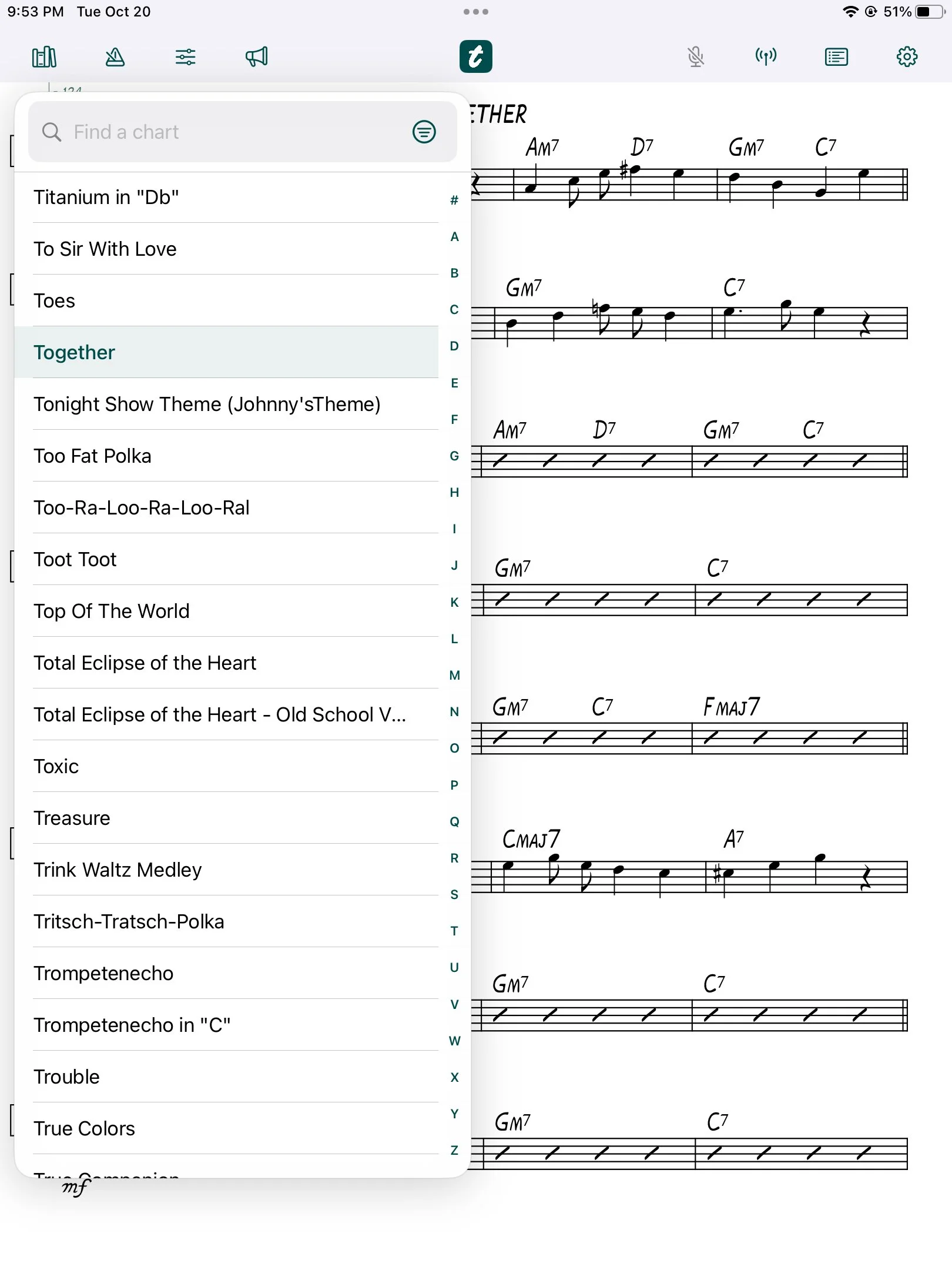
Your charts, ready to play
Read your PDF charts, find songs quickly, and organize setlists on iPad and iPhone. Import PDFs directly or connect your cloud library.
-
Sync from your cloud
Choose Dropbox or Google Drive as your sync source. Download your charts before the gig and keep reading when you're offline.
-
Keep the band together
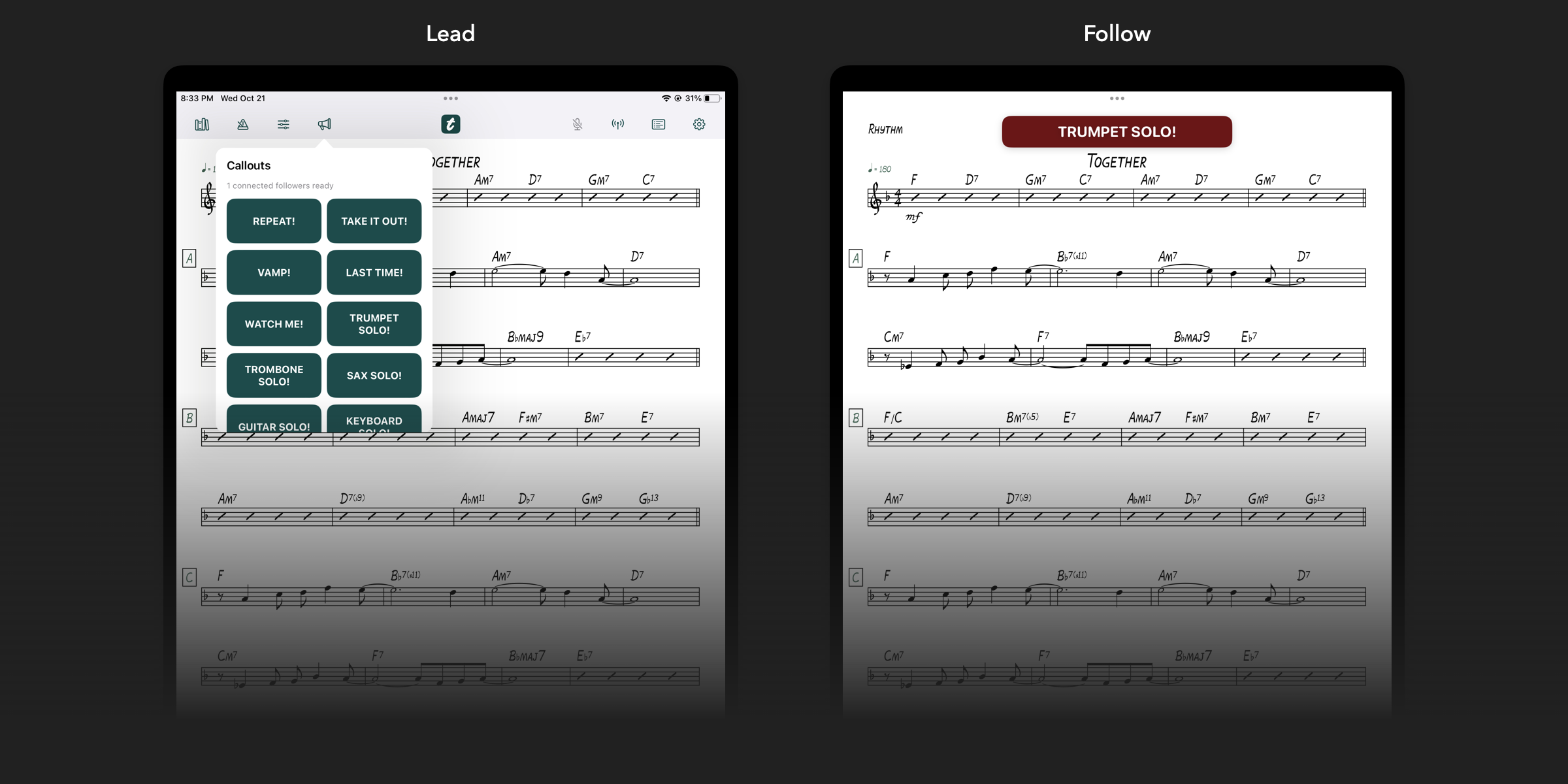
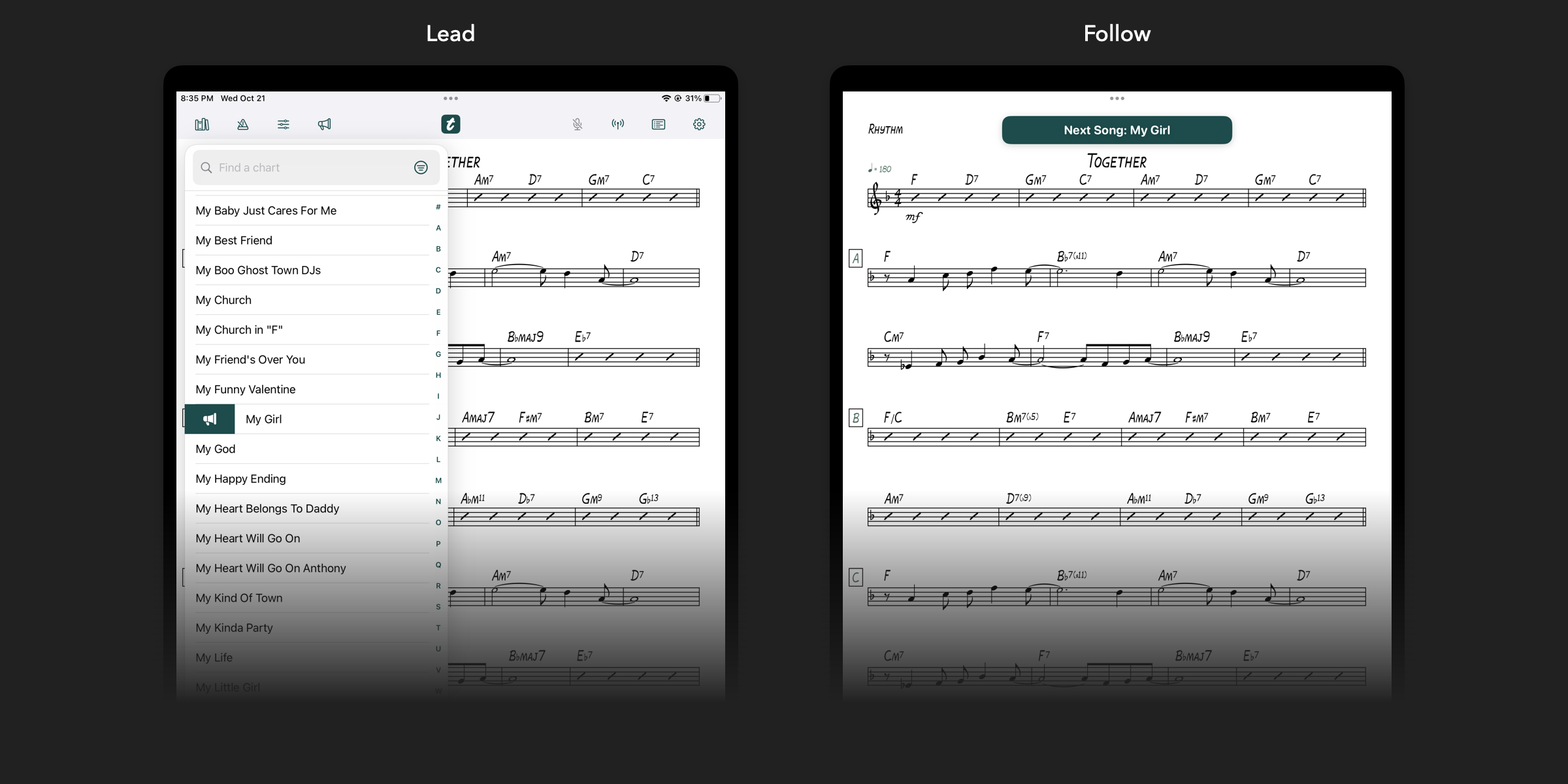
Lead a session, call the next song, and help connected bandmates follow along with their own charts.
-
Meet tutti Library
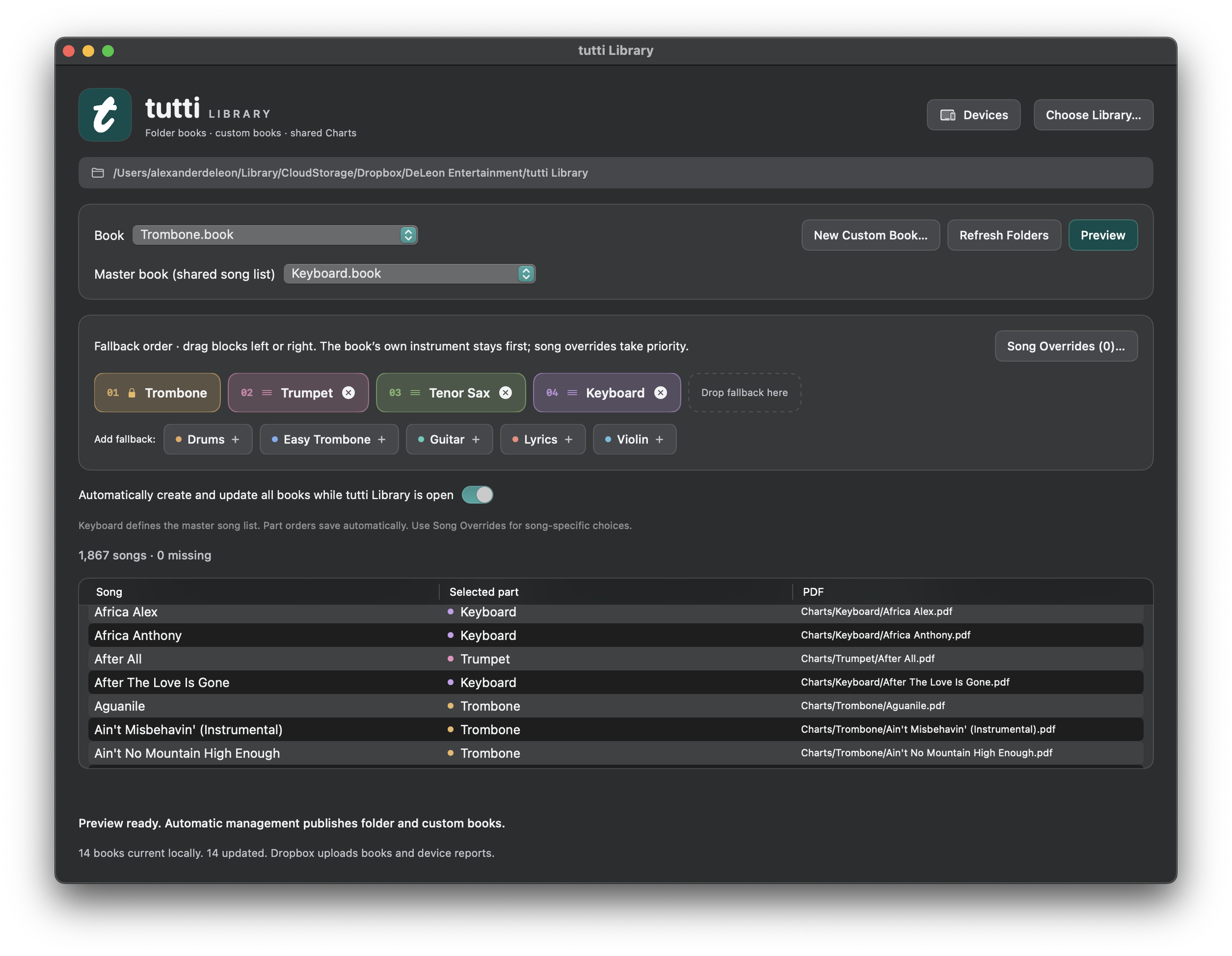
Our optional Mac companion organizes instrument folders into books, with fallback parts and song overrides. Public availability is coming soon.
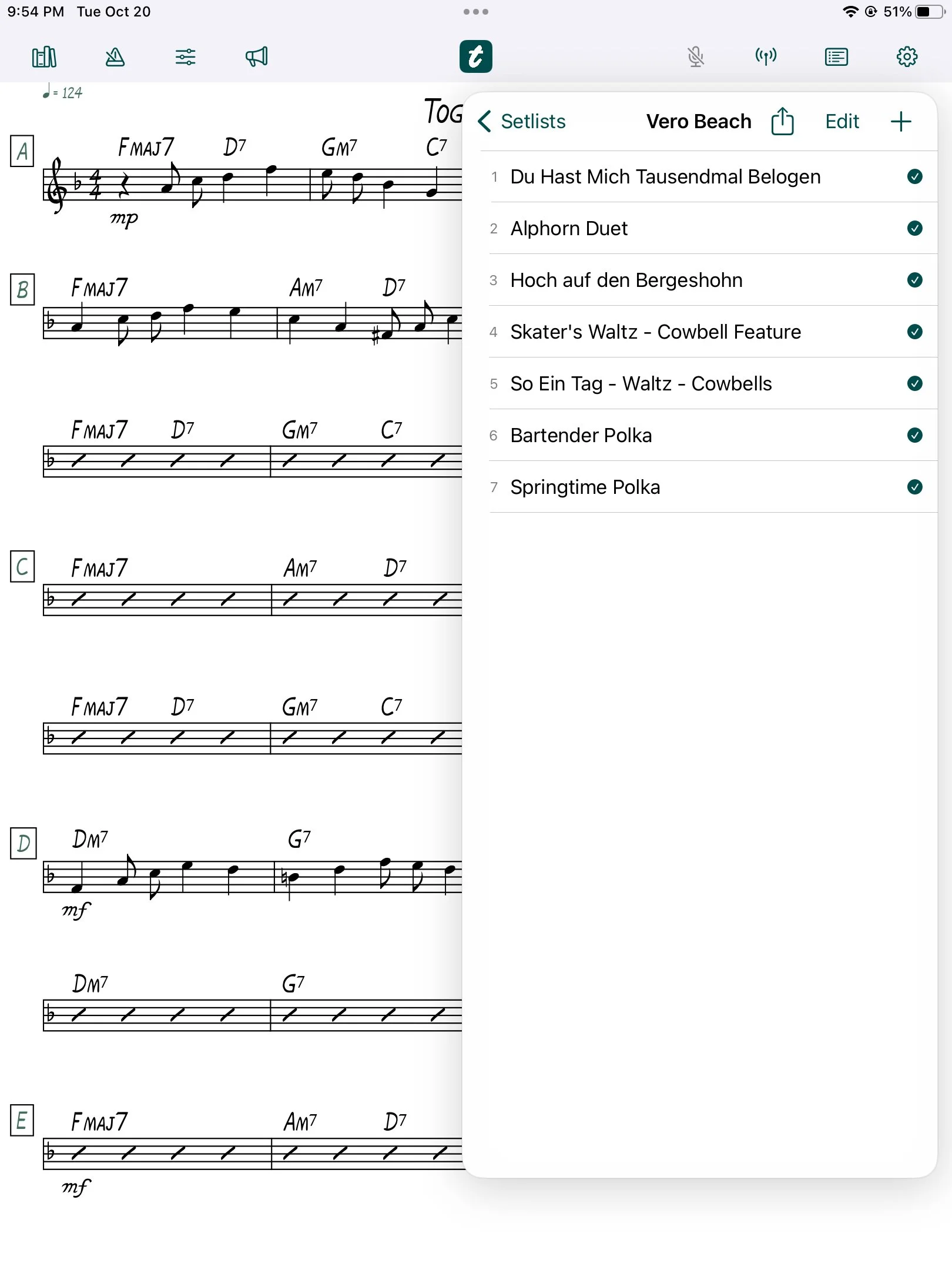
Band Sync
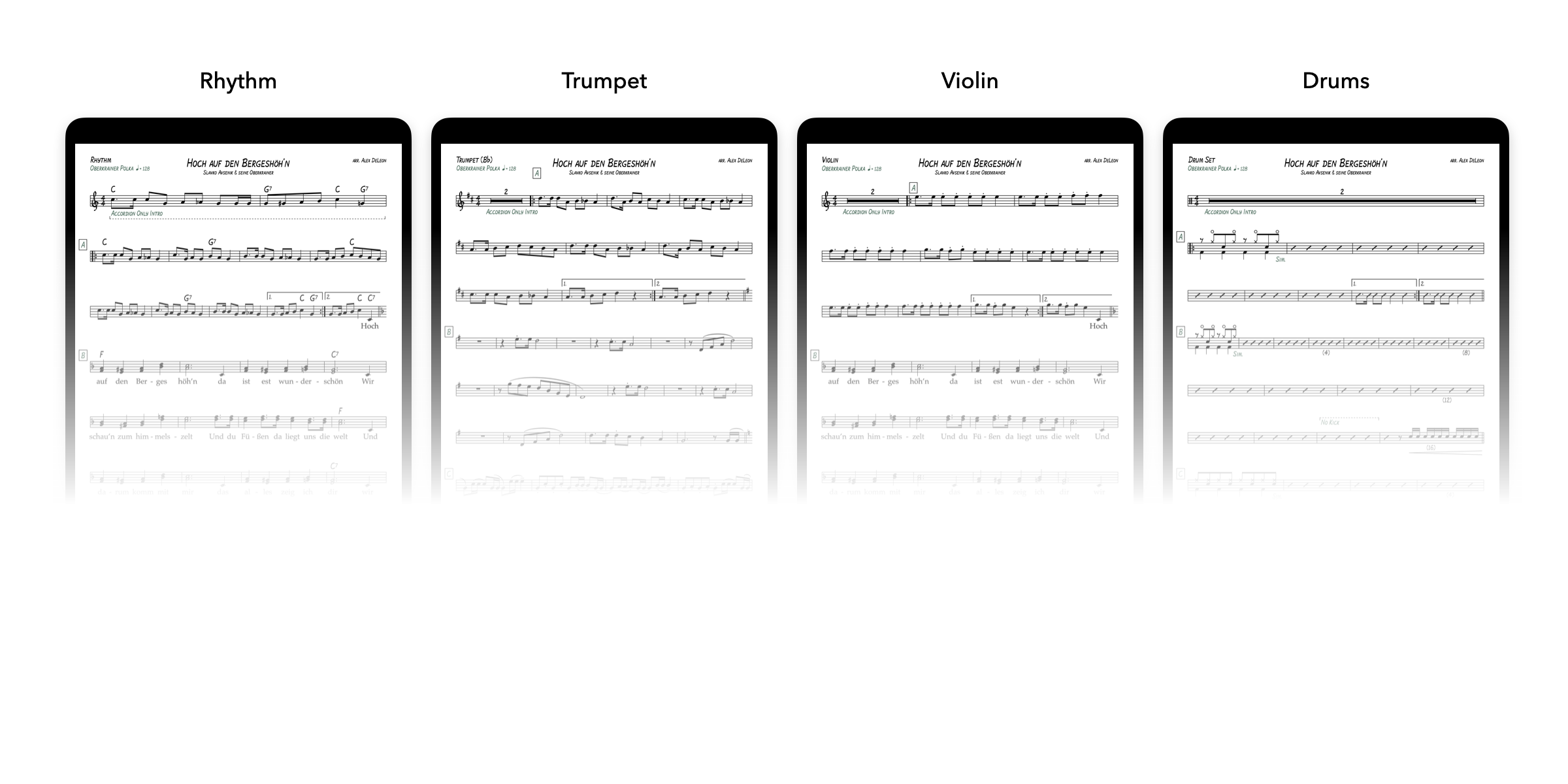
Callouts & Next Song
tutti Library
For Mac
Coming soon
Build the right book for each player.
tutti Library is an optional Mac companion for bands that manage different parts for the same songs. Keep your PDFs in instrument folders in Dropbox, and Library automatically builds the books your players use in tutti.
Organize once. Add or update a chart in its folder, and Library updates the corresponding book.
Choose each player's parts. Set a fallback order, create custom books, and override individual songs when another part is a better fit.
Check who's ready. With optional device reporting enabled, see which devices have checked in and verified their books.
tutti Library is a separate Mac app. You can use the iPad and iPhone reader on its own with Dropbox, Google Drive, or locally imported PDFs.
Good to know
Frequently asked questions
What devices does tutti support?
The reader is designed for iPad and iPhone running iOS or iPadOS 16.4 or later. tutti Library is a separate companion for Mac.
Do I need tutti Library?
No. The reader works independently with locally imported PDFs, Dropbox folders, or Google Drive folders. Library adds tools for managing instrument-specific books on your Mac.
How do I add my charts?
Import PDFs from Files, or choose a cloud source in Settings. You can select one cloud sync source at a time and keep locally imported charts alongside it. tutti Library books currently sync through Dropbox; Google Drive supports PDF folders.
Can I use tutti without internet?
Yes. Once your charts finish downloading, you can read them offline. Downloading changes and checking cloud sync status require an internet connection, so finish syncing before the gig.
Does tutti include sheet music?
tutti is a reader for your own charts. Bring PDFs you own or have permission to use. The screenshots show an original demonstration chart.
More setup guidance is available on our Support page.